
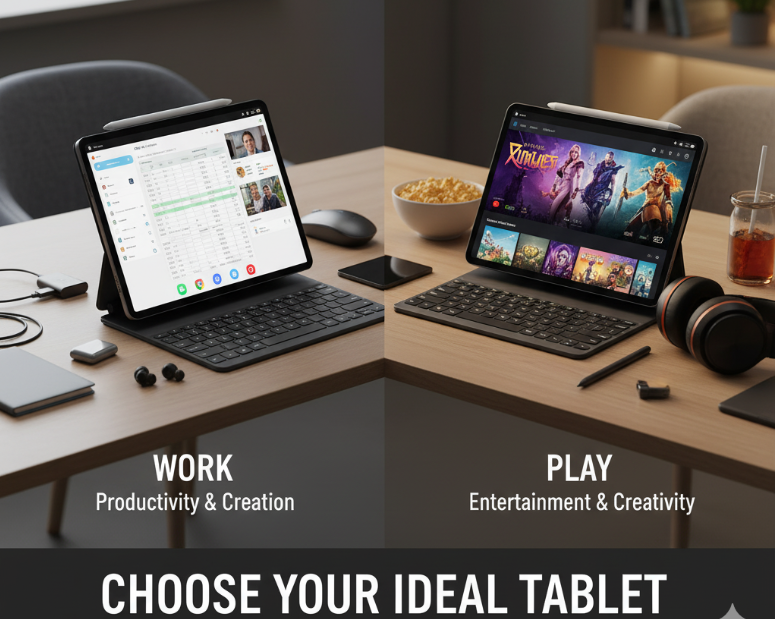
Picking the right tablet can be kinda tricky nowadays, espeshally when you want something that works good for both work and play. There’s so many options out there and all with different specs, prices and features. So how do you know wich one’s right for you? Here’s some tips to help you choose the perfect tablet without gettin overwhelmed.
1. Decide What You’ll Mostly Use It For
First thing first, think about what you’ll use the tablet most for. Is it mostly work stuff like emails, documents, video calls? Or is it more for games, streaming movies, and browsing? Or maybe bit of both? Knowing this will help you figure out what features to focus on.
2. Screen Size Matters
Tablets come in lots of sizes — from small 7-inch ones to big 12-inch plus. If you want somethin super portable and easy to carry, smaller size is better. But if you’re gonna do alot of typing or watching videos, bigger screen might be nicer. Just remember bigger screen usually means heavier tablet too.
3. Check the Performance (Processor & RAM)
For work, you want a tablet thats fast and can multitask without lag. Look for tablets with good processors and atleast 4GB RAM. If you’re gaming or doing graphic heavy stuff, better specs needed. Don’t go for super cheap tablets that might freeze or be really slow.
4. Battery Life is Important
No one likes a tablet that dies in few hours. Check the battery life specs and read reviews to see if it lasts long in real life. For work and play both, I’d say something that can go atleast 8-10 hours on a charge.
5. Operating System (OS)
You got options like iPadOS (Apple), Android, and Windows tablets. If you’re already using Apple stuff, iPad is usually easiest to sync with your phone and laptop. Android tablets are good too and usually cheaper, but some apps might not be optimized as well. Windows tablets are more like mini laptops, good if you need full desktop apps.
6. Storage Space
Think about how much space you need for apps, files, movies, games etc. Tablets come with different storage options like 32GB, 64GB, 128GB or more. If you plan to store lots of stuff, go for bigger storage or one with expandable memory (like microSD slot).
7. Accessories & Keyboard
If you wanna use your tablet for serious work, look for models that support keyboard attachments or stylus pens. They can really boost your productivity. But these accessories can add to the total cost.
8. Budget
Finally, set a budget. Tablets can cost anywhere from under $100 to over $1000. Decide what features you need most and try find a tablet that fits your price range. Don’t overspend on features you don’t really need.
Final Thoughts
Choosing the right tablet is about balancing what you need for work and play, and what you can afford. Think about how you’ll use it, what features matter most, and don’t forget to check reviews before buying. Hope this helps you find the perfect tablet!